
Digital Design
The future of government offices, buildings, and installations is about to change dramatically. When workers return to work or building owners make changes to how they work, they can expect offices to be designed differently to minimize the spread of germs and make people feel safe. But we can also expect sanitation to step up significantly.

Digital Design
Digital design data is a big data business. It requires secure management and storage, versions need to be stringently controlled, and teams need to access files readily so they can share that data with stakeholders.
For too long, however, designers, engineers, and CAD managers have relied on traditional document management systems, like network drives, to achieve this. While they do a great job with office documents, those same solutions don’t work well with today’s design files and models, for several reasons:
Digital Design
AutoCAD 2021 is here!
On March 25, 2020, Autodesk announced the release of AutoCAD 2021 the latest iteration of its flagship software first released in 1982. A key update includes a new integration with Google Drive allowing users to access their designs wherever they are as well as performance enhancements.
Let’s break down what’s new.
Digital Design
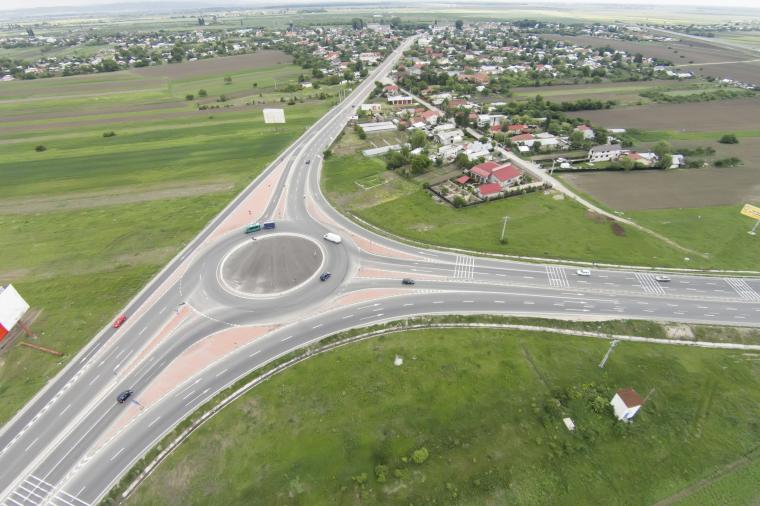
This June, Autodesk launched a new release of its flagship preliminary design software tool for AEC professionals, InfraWorks 360 (we profiled all the great new features in our earlier blog: 4 Exciting Features In The New Release Of InfraWorks 360). One of the biggest changes with this release is the ability to convert regular old intersections into roundabouts with only a few clicks.
Digital Design
Have you ever seen a drawing file you created with Civil 3D balloon in file size? Has this caused performance to take a nose dive?
The following steps should help you get some improvement on getting smaller file size, and hopefully better performance:

Digital Design
Prior to 2007, drawing in 3D forced the drafter to constantly change the XY plane to draft on a particular face or plane of an object. You had to create a new user coordinate system every time you changed views. This AutoCAD tips and tricks roundup focuses on the Dynamic User Coordinate System (UCS), a feature that automatically creates a temporary XY plane to draw on. Check out these seven videos on AutoCAD UCS.
Digital Design
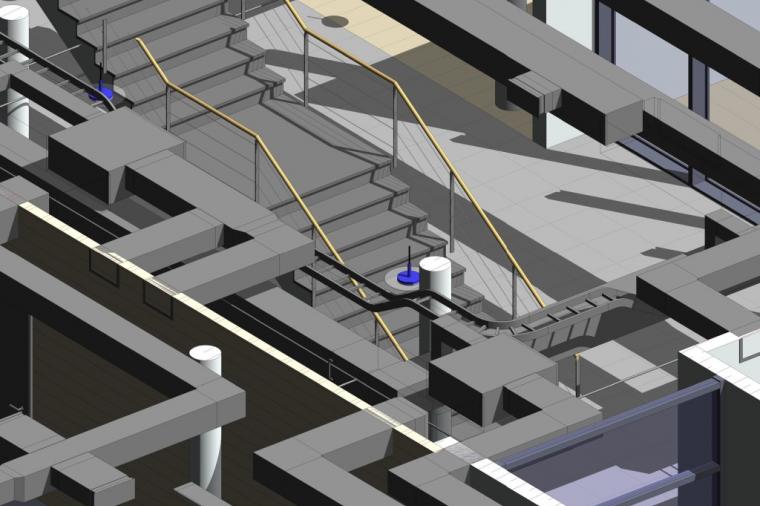
Wanting to save a view as an image for reports?
While I typically use a premium screen capture and image annotation tool on a daily basis. I’ll suggest anyone to try this tip to take higher quality image shots within Revit as a Render image. It will store the image in the Revit Project Browser, after which the image view in Revit is exported to a standalone file for creating reports.
Digital Design
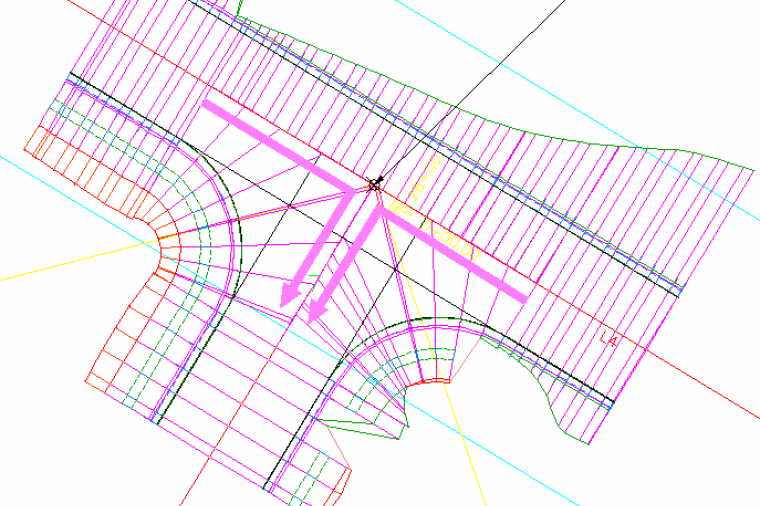
Civil 3D contains many engineering tools for roadway design. One of these tools is the Intersection wizard. The wizard walks the user step by step through the intersection design process and parametrically designs three or four way intersections. In addition to intersection design, the wizard defines widening for incoming, outgoing, or both lane types. This article describes the use of the intersection wizard to create a four way intersection that maintains each road’s crown elevation.